
A free iPhone for seniors can provide essential access to communication, healthcare services, and online resources. However, qualification is not based on age alone. Federal Lifeline rules require applicants to meet specific income or program-based eligibility standards.
What Models Are Usually Available to Seniors?
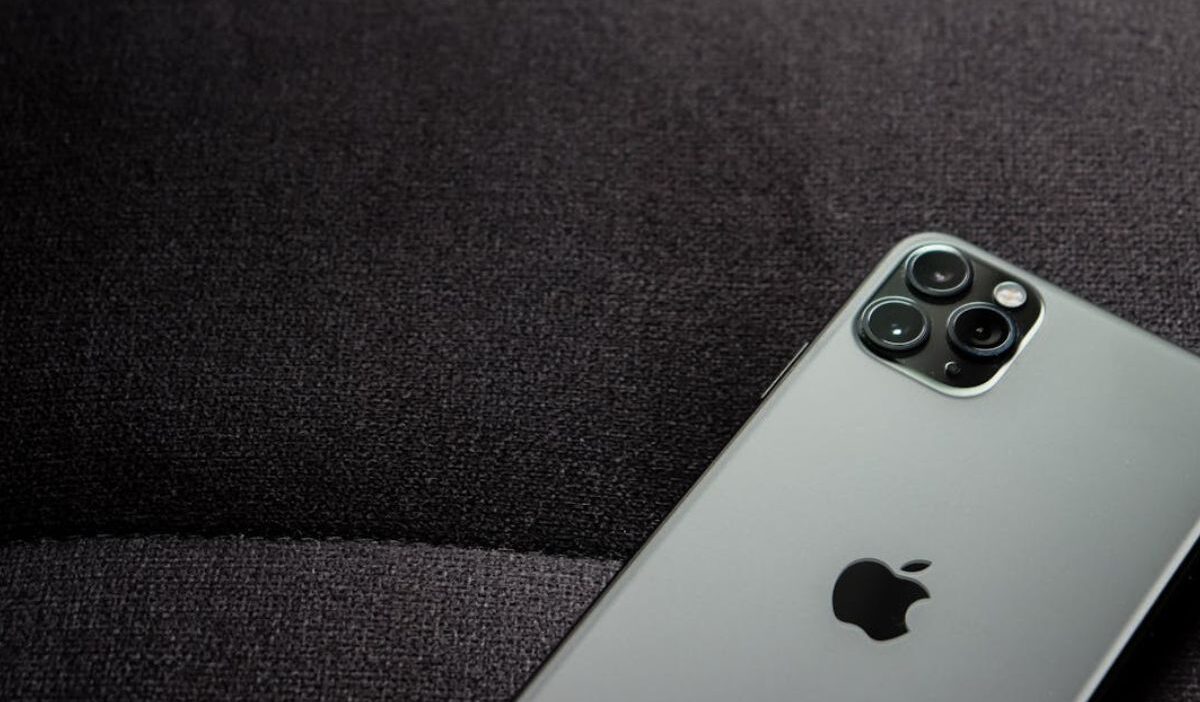
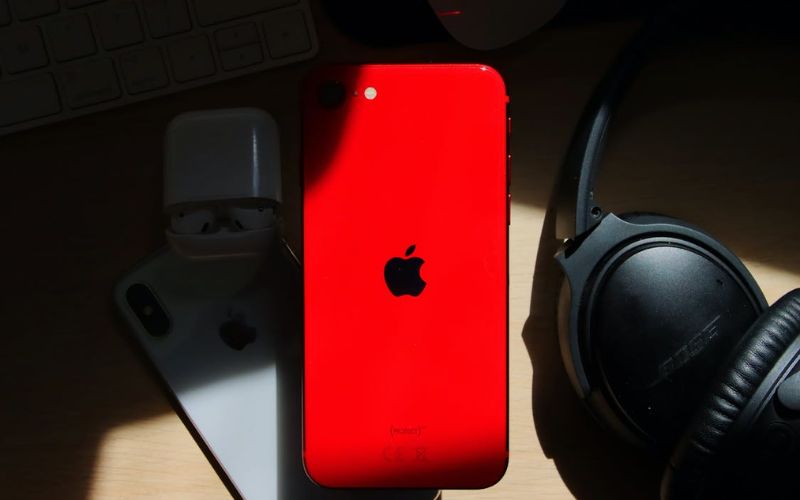
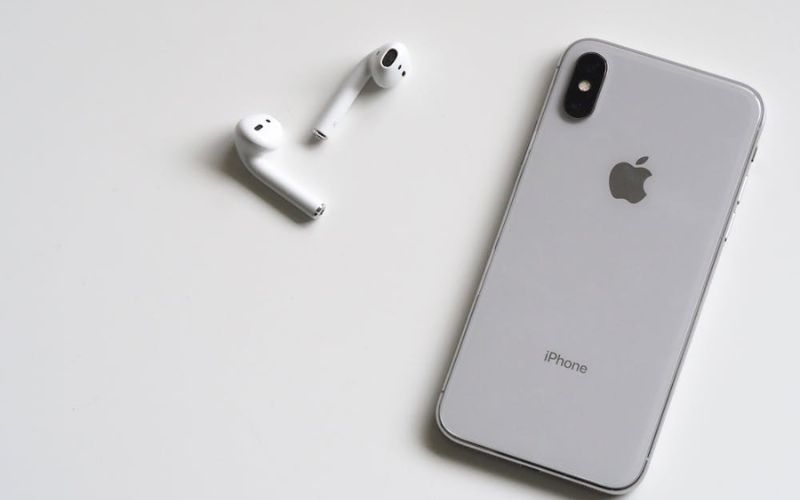
A free iPhone for seniors is typically offered through providers of federally regulated assistance programs such as Lifeline, depending on provider inventory and regional availability. The government does not distribute specific Apple models directly.
Instead, participating service providers determine which smartphones are available at a given time. In most cases, older or mid-generation iPhone models are more commonly included when providers advertise free iPhones for seniors.
Who Qualifies for a Free iPhone for Seniors?
Income eligibility
Applicants may qualify if household income does not exceed 135% of the Federal Poverty Guidelines. These limits are updated annually and vary by household size and state. Proof of income is required during the verification process.
Meeting the income threshold allows seniors to apply for Lifeline-supported service, which may include access to free iPhones for seniors, depending on device availability.
Program-based eligibility
Seniors may also qualify if they participate in approved federal programs such as:
- Supplemental Security Income (SSI)
- Medicaid
- Supplemental Nutrition Assistance Program (SNAP)
- Federal Public Housing Assistance (FPHA)
- Veterans Pension or Survivors Benefit
Enrollment in one of these programs satisfies Lifeline eligibility requirements and may allow access to a free iPhone for seniors if offered by the provider.
Documents seniors may need to provide
To complete verification, seniors typically submit:
- Government-issued photo identification
- Proof of program participation or income documentation
- Proof of residential address
Accurate documentation is required to process applications for free iPhones for seniors under federal guidelines.
>>> Read more: How to Screen Record on iPhone: Audio, Settings & 3 Fixes
Step-by-Step Application Process for Seniors
Step 1: Check ZIP code coverage
Visit the provider’s official website, like AirTalk Wireless, and enter your ZIP code. This confirms whether Lifeline service operates in your area and displays current device options.
Step 2: Select an eligible senior plan and device option
Choose a Lifeline-supported plan that includes a smartphone benefit. If a free iPhone for seniors is listed in your ZIP code, it will appear during device selection.
Step 3: Submit identity verification & eligibility documentation
Provide basic information and upload other required identification and supporting documents. Verification ensures compliance with federal program rules.
Step 4: Track approval and shipping
After submission, the application undergoes review. Once approved, the selected device is shipped according to the provider’s policy. Processing timelines may vary depending on documentation verification.
Common Reasons Applications Get Rejected
- Household income exceeds federal limits
If total household income is above 135% of the Federal Poverty Guidelines, the application will not qualify under Lifeline rules. Income is verified against official documentation and database records during review.
- Required documents are incomplete or outdated
Missing, expired, or unclear documents can lead to automatic rejection during the verification process. All files must clearly show the applicant’s name, dates, and required eligibility details.
- Duplicate Lifeline benefit detected within the same household
Only one Lifeline benefit is allowed per household. If someone at the same address already receives it, the new application may be denied unless financial independence can be proven.
- Identity verification mismatch
If personal details do not match official records, the system may fail to verify identity and reject the application. Even small discrepancies in name spelling, birth date, or address can trigger this issue.
FAQs
Can a senior get a free iPhone based on age alone?
No. Age by itself does not qualify an applicant. Eligibility for a free iPhone for seniors depends on income level or participation in approved federal assistance programs.
Do seniors need to renew eligibility yearly?
Yes. Lifeline beneficiaries must complete an annual recertification process to confirm continued eligibility. Failure to respond to recertification notices may result in benefit termination.
Can two seniors in one household both qualify?
Generally, no. Lifeline rules allow only one benefit per household, regardless of the number of eligible individuals residing at the same address.
Conclusion
A free iPhone for seniors is available only to applicants who meet federally established eligibility standards and complete the required verification process. Device availability depends on provider inventory and geographic coverage.